
SaaS Video Animation & UI Motion: How to Edit High-Converting Product Demos
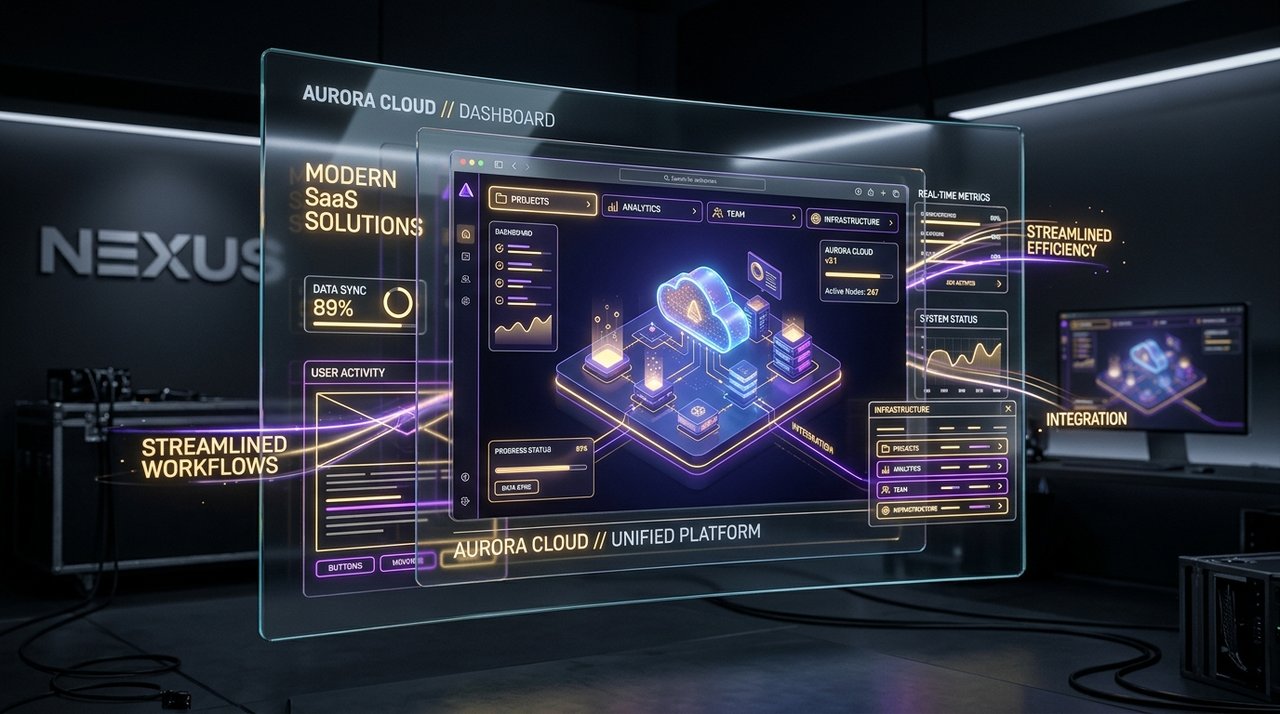
In the hyper-competitive B2B SaaS ecosystem across Silicon Valley, London, and Bangalore, prospects give software products less than 15 seconds to explain their core value proposition. Companies that rely on shaky screen recordings with cursor trails lose over 70% of potential buyers before the video finishes.
The Isometric 3D Layering Technique
To make software feel tactile, valuable, and cutting-edge, NeuralCut extracts vector UI elements from Figma and rebuilds them inside After Effects in pseudo-3D space. By extruding glass layers, adding subtle ambient occlusion, and animating data streams between interface panels, complex workflows become intuitive and visually stunning.
| Animation Element | Standard Screen Record | NeuralCut Kinetic UI | Conversion Impact |
|---|---|---|---|
| Interface Camera | Flat 2D static crop | Dynamic 3D camera sweeps with motion blur | +42% Engagement |
| Data Visualization | Tiny static numbers | Animated count-up counters and glowing graph nodes | +58% Comprehension |
| Click Actions | Jerky mouse pointer | Smooth ripple shockwaves and kinetic tactile responses | +34% Retention |
| Pacing | Slow 3-minute walkthrough | High-octane 45-second value narrative | +210% Demo Bookings |
“A SaaS video should not teach the customer how to use the software. It should make the customer feel powerful because they own it.”
: NeuralCut Motion Director
When your product explainer looks like a movie trailer for your software, decision-makers take notice, sales cycles shorten, and conversion rates scale dramatically.
Turn Your SaaS Product into a High-Converting Video
We design isometric 3D UI animations, kinetic product explainers, and feature launch videos that help software startups raise capital and acquire customers.
EXPLORE SAAS PRODUCT VIDEOS & UI ANIMATION